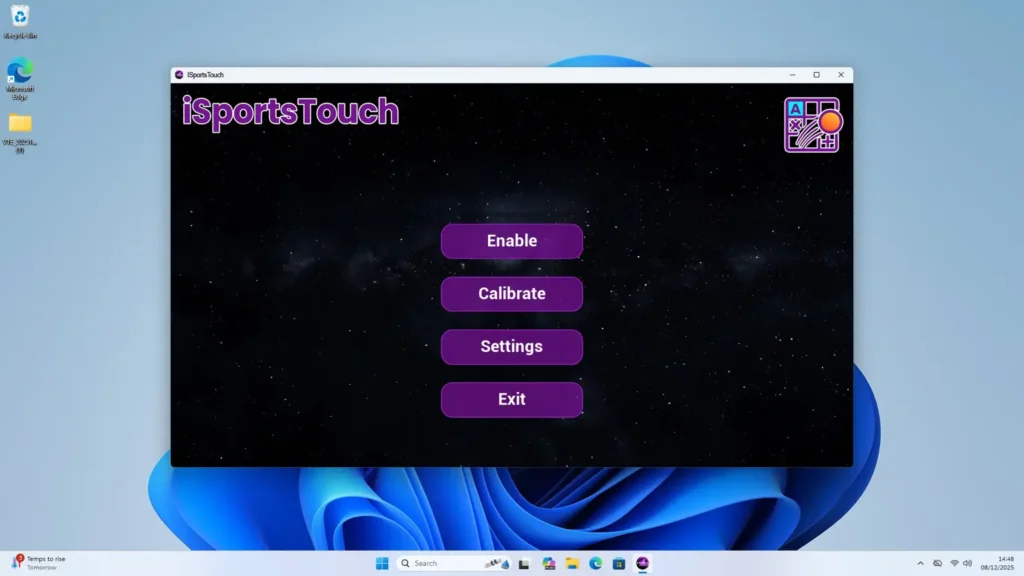
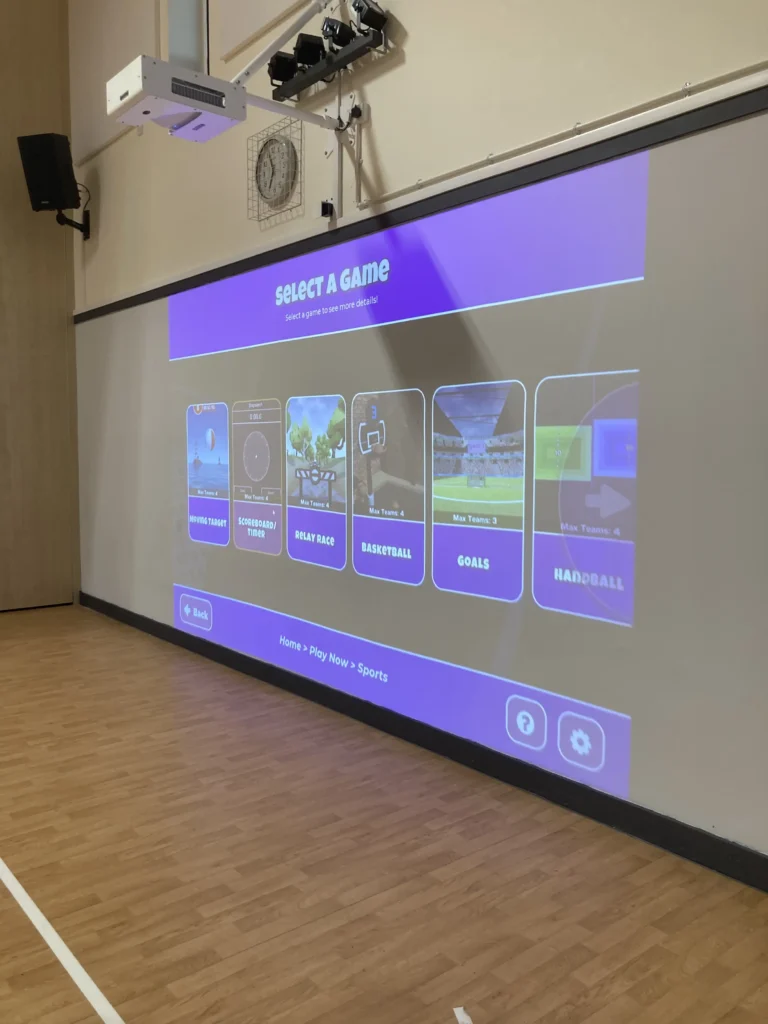
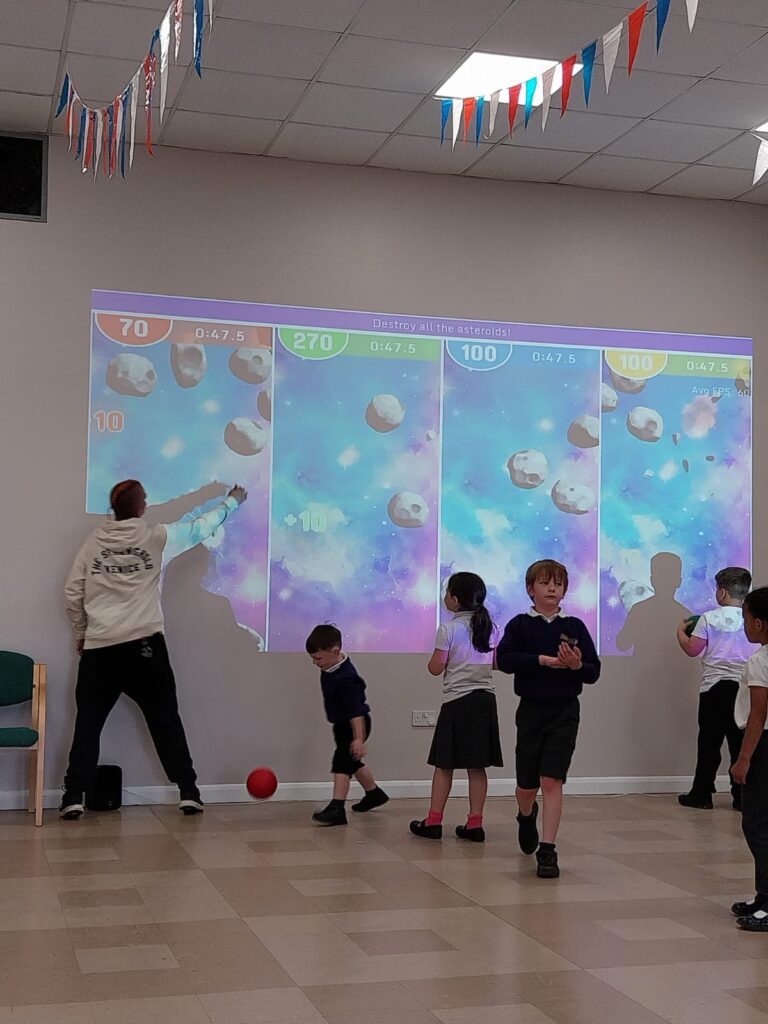
iSportsTouch is a new application that enables Microsoft Windows applications to pick-up touch. This allows programs like powerpoint to be controlled and interacted with using the iSports sensors. This add-on comes as standard with all of the iSportsWall fixed installations and the iSportsMobile system.
iSportTouch adds a practical layer of functionality to existing iSports systems. The software allows Windows applications such as PowerPoint to appear on the interactive surface and respond to touch input. This transforms static presentations into interactive sessions that encourage participation and discussion.
Content normally limited to screens or projectors becomes part of the interactive environment. Presentations, documents, and visual materials respond to finger touch on the wall or movement on the floor. This approach supports learning, communication, and collaboration in a more active format.
The software works seamlessly with iSportsWall and iSportsMobile systems. It supports automatic switching between wall and floor modes, ensuring that interaction remains accurate and responsive regardless of orientation.
iSportTouch suits organisations that need to present structured information in an engaging way. Training environments benefit from interactive delivery where participants interact directly with content rather than passively viewing it. This improves focus and information retention.
The Royal Navy provides a strong example of practical use. Teams used iSportTouch with iSportsMobile systems to display PowerPoint presentations that explained different Navy career paths. These presentations ran interactively in both wall and floor mode, allowing users to explore content through touch and movement.
This approach supports careers events, recruitment activities, and professional briefings. Interactive delivery helps audiences engage with complex information in a clear and memorable way. The system also supports flexible deployment across different venues without fixed installation.
iSportTouch improves engagement by turning familiar Windows applications into interactive experiences. Touch-based input encourages participation and reduces barriers between the presenter and the audience. Content becomes something to interact with rather than observe.
This format supports group discussion, guided exploration, and collaborative learning. Participants point, select, and interact directly with information on the surface. This suits classrooms, training centres, and event spaces where engagement matters.
The responsive technology ensures accurate touch recognition. Drawing tools, navigation elements, and presentation controls respond instantly. This supports confidence during delivery and ensures sessions run smoothly without disruption.
Education settings use iSportTouch to extend lesson delivery beyond games and quizzes. Teachers display lesson materials, slides, and visual resources on the interactive wall or floor and guide pupils through content using touch. This supports whole-class teaching and focused group work.
Events and exhibitions benefit from interactive displays that attract attention and invite exploration. Information points, presentations, and visual explanations become interactive stations that encourage visitors to engage. The mobile nature of iSportsMobile systems makes this approach suitable for temporary venues and travelling events.
The software integrates directly into the existing iSports ecosystem, ensuring consistency across systems and ease of use for staff.
Amazing Interactives provides iSportTouch interactive touch software as part of every iSports. Contact our team to discuss how iSportTouch supports interactive presentations, training, and engagement.
Are you looking for a new website? Contact Outrank Today