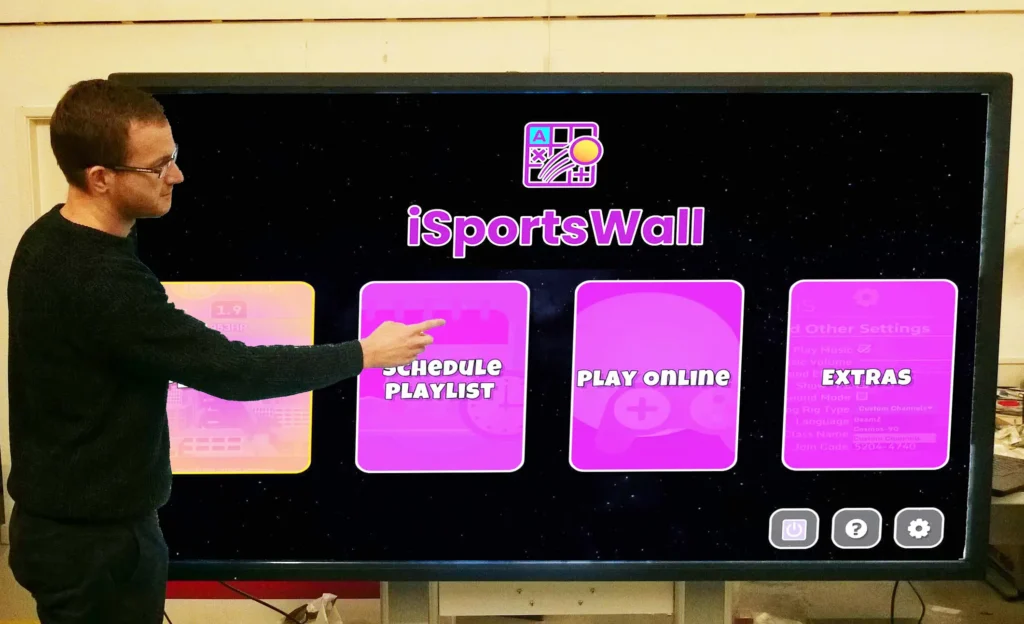
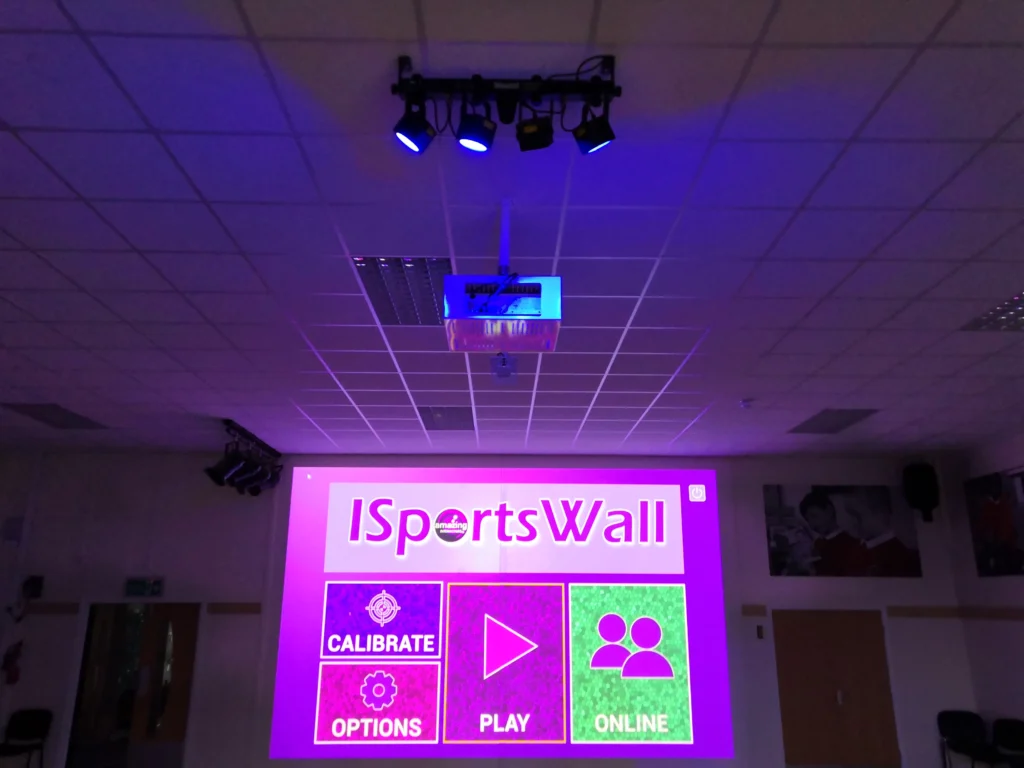
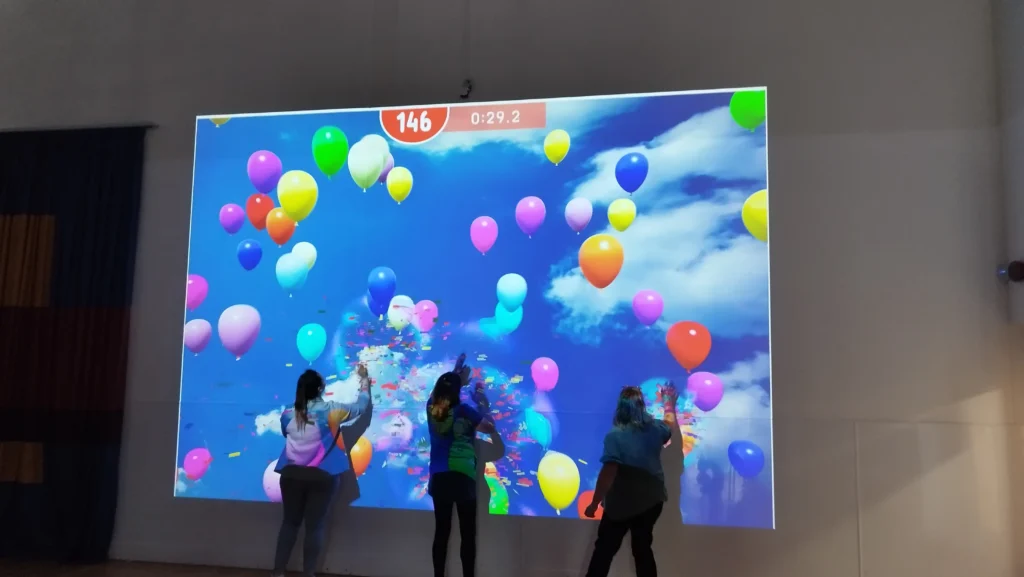
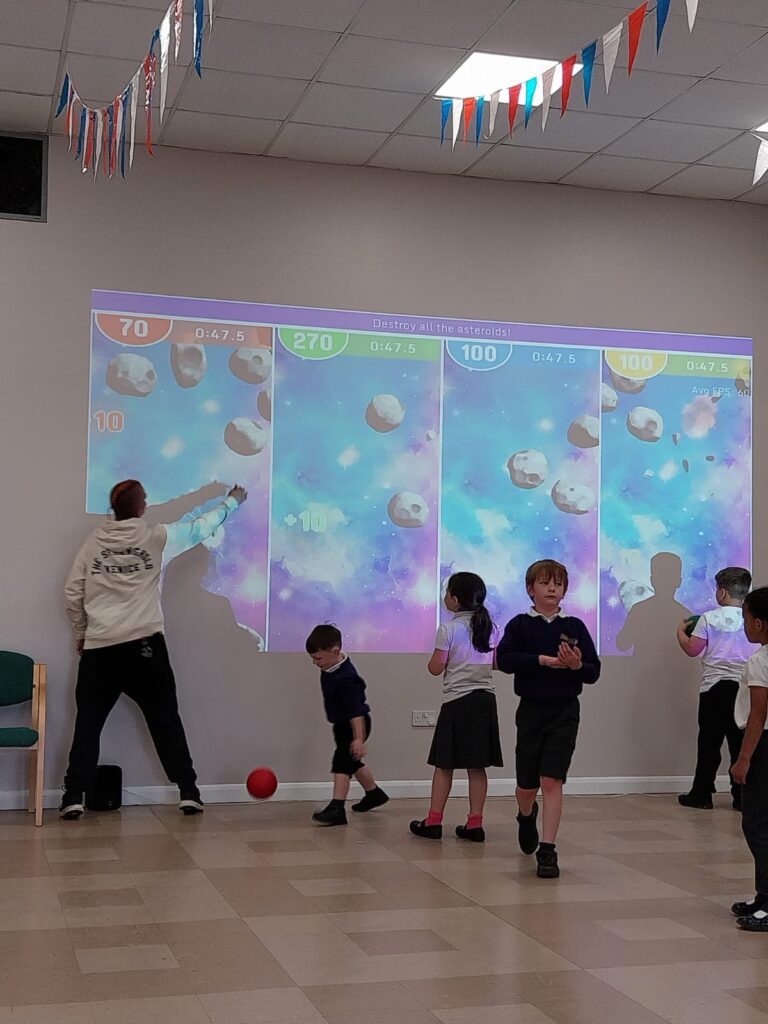
The optional ISports site licence allows the school to install the software within their classrooms. This allows quizzes to be created by the teachers or students and then be uploaded to the main ISportsWall system. The games can also be played locally within the classroom on the Interactive boards or Windows based platforms i.e laptops.
iSportsDesktop allows schools to install the interactive software on classroom computers and touch displays. This creates a consistent learning experience across teaching spaces without relying on shared equipment. Pupils access the same interactive activities, quizzes, and games found on iSportsWall and iSportsFloor systems.
The software supports individual use and team-based play on larger touch screens. This flexibility helps teachers deliver whole-class activities, group tasks, and focused interventions. Lessons benefit from interactive content that supports engagement, collaboration, and retrieval practice across subjects.
Teachers also use the platform to create custom quizzes. These quizzes upload directly to the main iSportsWall and iSportsFloor systems, ensuring continuity between classroom learning and physical activity sessions.
iSportsDesktop supports curriculum delivery by allowing interactive content to sit directly within everyday lessons. Teachers introduce quizzes, challenges, and subject-based activities that encourage participation and discussion. The interactive format helps pupils engage with learning objectives through touch-based input and visual feedback.
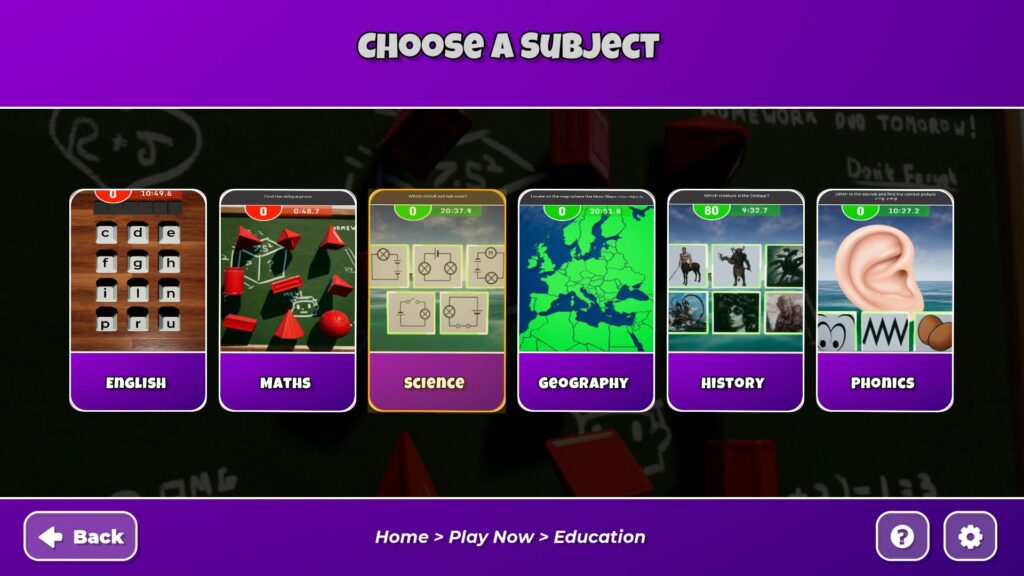
Assessment benefits from this approach. Teachers observe responses, guide group discussion, and adjust difficulty levels based on class needs. The software supports a wide range of subjects including English, maths, science, geography, and history. This helps staff reinforce knowledge and support revision through regular interaction.
The system also reduces preparation time. Teachers reuse existing content, adapt activities quickly, and maintain consistency across lessons. This helps improve lesson flow and supports effective classroom management.
iSportsDesktop improves access by placing interactive tools directly on classroom devices. Pupils interact with activities without leaving the classroom. This supports smaller group work, focused learning sessions, and behaviour support strategies.
Touch screen compatibility allows learners to select answers, move objects, and complete challenges through direct interaction. This suits different learning styles and supports pupils who benefit from hands-on engagement. The software also supports team mode on larger displays, encouraging collaboration and communication.
The classroom setting provides a calmer environment for pupils who find larger spaces challenging. Interactive learning remains consistent while adapting to individual needs and lesson goals.
Future development plans include access across tablets and mobile devices. This will allow pupils to practise quizzes independently or in small groups using iPads and Android devices. This approach supports homework activities, revision sessions, and independent learning.
The extended platform will strengthen continuity between classroom learning and wider school activities. Pupils reinforce knowledge through repeated interaction, and teachers track progress across different settings. This supports long-term retention and confidence.
The planned expansion reflects a commitment to accessible learning across devices while maintaining the same interactive structure and educational focus.
Amazing Interactives provides iSportsDesktop classroom software as part of its interactive learning solutions across the UK. Contact our team to discuss licensing, setup, and integration with existing iSports systems.
Are you looking for a new website? Contact Outrank Today